
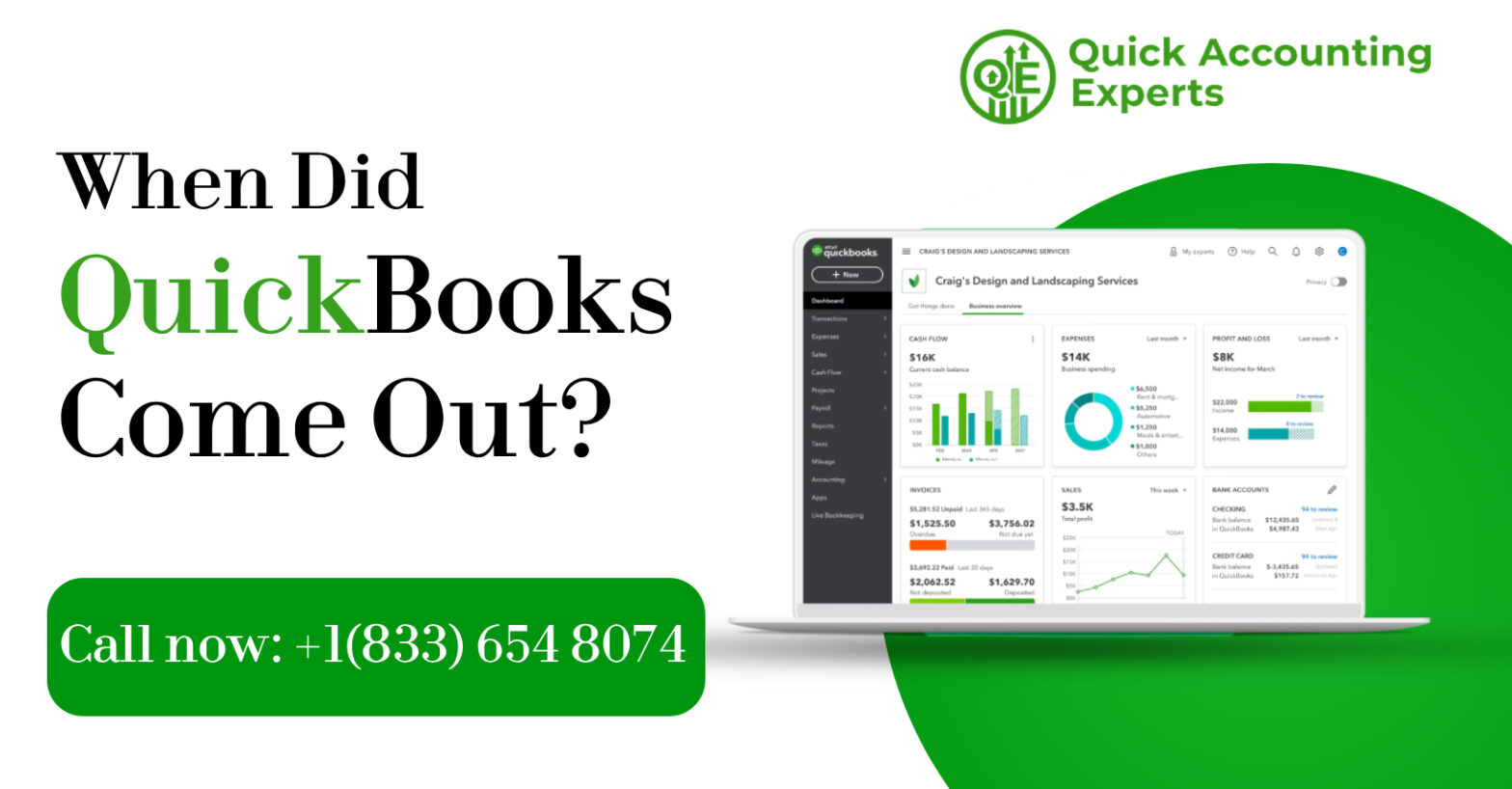
QuickBooks is one of the most widely used accounting software solutions for small to medium-sized businesses worldwide. With its user-friendly interface, powerful features, and flexibility, QuickBooks has revolutionized the way businesses manage finances. But have you ever wondered, when did QuickBooks come out, and how it evolved into the software we know today?
In this comprehensive guide, we’ll explore the release date of QuickBooks, its origins, major milestones in its evolution, and how it has transformed over the years. We’ll also highlight key versions, technological advancements, and answer frequently asked questions about its history and development.
The Origins of QuickBooks
QuickBooks was developed by Intuit Inc., a company founded in 1983 by Scott Cook and Tom Proulx. Intuit initially started as a company focused on creating financial management solutions for individuals and small businesses. The founders recognized a growing need for easy-to-use accounting software that could simplify bookkeeping and financial management.
- Intuit’s first product was Quicken, launched in 1983, which catered to personal finance management.
- QuickBooks emerged as a business-focused extension of Quicken, targeting small business owners who needed accounting software without hiring professional accountants.
When Did QuickBooks Come Out?
The first version of QuickBooks was officially released in 1992. It was designed for DOS and early Windows operating systems, providing small businesses with an accessible alternative to traditional, paper-based accounting systems.
Key Highlights of the Original Release:
- Automated common bookkeeping tasks such as invoicing, payroll, and basic reporting.
- User-friendly interface, inspired by Quicken.
- Focused on small businesses with limited accounting expertise.
- Provided affordable accounting software at a time when business accounting software was primarily for large corporations.
The release in 1992 marked the beginning of QuickBooks’ journey to becoming a household name in accounting software.
Evolution of QuickBooks: Major Milestones
QuickBooks has undergone tremendous growth and development since its release. Let’s explore the major milestones:
1992 – QuickBooks 1.0
- Launched for DOS and Windows 3.1.
- Focused on small business bookkeeping.
- Featured basic accounting functions like general ledger, invoices, and check writing.
Mid-1990s – Introduction of Windows Versions
- QuickBooks shifted to a fully Windows-compatible version.
- Improved interface with menus, buttons, and graphical elements.
- Added additional accounting features such as inventory tracking.
1998 – QuickBooks Pro and Premier
- QuickBooks Pro introduced advanced features for growing businesses.
- QuickBooks Premier offered industry-specific editions, such as retail, manufacturing, and nonprofit organizations.
- Allowed for multiple users to access the software simultaneously.
2001 – QuickBooks Online Concept
- Early development of cloud-based solutions began.
- Intuit recognized the potential for remote access and online banking integration.
2004 – QuickBooks Enterprise Solutions
- Launched for medium and larger businesses requiring complex reporting, advanced inventory, and scalability.
- Supported up to 30 concurrent users.
2008 – QuickBooks Online Expansion
- Online edition became widely available.
- Enabled small businesses to access data from any location.
- Integration with online banking, payment processing, and tax filing.
2010s – Mobile and Cloud Integration
- QuickBooks mobile apps launched for iOS and Android.
- Cloud sync allowed real-time updates across devices.
- Enhanced automation features, including payroll integration and reporting.
2020 – QuickBooks Desktop 2020
- Added enhanced reporting and analytics.
- Improved security and cloud connectivity.
- Focused on remote work capabilities due to global trends in virtual business operations.
Features That Evolved Over Time
QuickBooks’ evolution has been driven by user needs and technological advances. Key features that have emerged include:
- Multi-User Access
- Allowed multiple users to work on the same company file simultaneously.
- Essential for growing businesses and accounting firms.
- Cloud Integration
- QuickBooks Online provides real-time updates and remote access.
- Simplifies collaboration between business owners and accountants.
- Industry-Specific Editions
- QuickBooks Premier and Enterprise offer tailored features for sectors like retail, nonprofit, and manufacturing.
- Automated Payroll and Tax Management
- Integrated payroll with automated tax calculations.
- Reduced compliance errors and saved time for small business owners.
- Mobile and Remote Access
- Mobile apps and cloud integration allow business owners to track finances from anywhere.
- Supports invoicing, payments, and expense tracking on the go.
- Advanced Reporting and Analytics
- Customizable reports provide insights for better decision-making.
- Dashboards allow tracking of KPIs and financial health.
QuickBooks Versions Over the Years
Here’s a quick overview of the major QuickBooks versions:
|
Year |
Version |
Key Features |
|
1992 |
QuickBooks 1.0 |
Basic accounting, invoicing, check writing |
|
1998 |
QuickBooks Pro |
Advanced features for growing businesses |
|
1998 |
QuickBooks Premier |
Industry-specific editions |
|
2004 |
QuickBooks Enterprise |
Large-scale accounting, inventory, reporting |
|
2008 |
QuickBooks Online |
Cloud-based accounting |
|
2010 |
QuickBooks Mobile Apps |
Mobile accounting access |
|
2020 |
QuickBooks Desktop 2020 |
Enhanced security, reporting, and cloud connectivity |
QuickBooks’ Impact on Small Businesses
QuickBooks has significantly influenced small business accounting by:
- Reducing Dependency on Accountants
Small business owners can manage day-to-day finances without hiring professional accountants. - Improving Accuracy
Automation of calculations reduces human error. - Saving Time
QuickBooks streamlines repetitive tasks like invoicing, payroll, and reporting. - Enhancing Decision-Making
Real-time insights and reports allow business owners to make informed decisions. - Enabling Remote Work
Cloud-based QuickBooks supports virtual teams and remote accounting services.
The Technology Behind QuickBooks
QuickBooks evolved alongside technology trends:
- Desktop Software – Reliable and feature-rich, ideal for businesses needing local storage.
- Cloud Integration – QuickBooks Online and QuickBooks Desktop Plus offer remote access.
- Mobile Apps – Manage accounting tasks on smartphones and tablets.
- Banking APIs – Direct integration with financial institutions for automated transaction downloads.
- AI and Automation – Recent versions leverage machine learning for transaction categorization and predictive insights.
Frequently Asked Questions (FAQ)
Q1: When was QuickBooks first released?
A: QuickBooks was first released in 1992 by Intuit as an accounting software solution for small businesses.
Q2: Who created QuickBooks?
A: QuickBooks was created by Intuit Inc., founded by Scott Cook and Tom Proulx.
Q3: What was the first QuickBooks version?
A: The first version, QuickBooks 1.0, was released in 1992 and featured basic accounting functions like invoicing, check writing, and general ledger management.
Q4: When did QuickBooks Online start?
A: QuickBooks Online was officially introduced in 2008, providing cloud-based access for small businesses.
Q5: How has QuickBooks evolved over time?
A: QuickBooks evolved from a simple desktop accounting software to a robust solution with multi-user access, cloud integration, mobile apps, advanced reporting, payroll automation, and industry-specific editions.
Q6: Why is QuickBooks popular among small businesses?
A: QuickBooks simplifies bookkeeping, reduces errors, saves time, provides real-time reporting, and allows business owners to manage finances efficiently without hiring full-time accountants.
Q7: What are the major QuickBooks versions?
A: Major versions include QuickBooks Pro, Premier, Enterprise, Online, and Desktop Plus, each designed for different business sizes and needs.
Q8: Is QuickBooks suitable for large businesses?
A: Yes. QuickBooks Enterprise and QuickBooks Online Advanced are designed for medium to large businesses requiring multiple users, inventory management, and advanced reporting.
Q9: Can I use QuickBooks on mobile devices?
A: Yes. QuickBooks Mobile Apps allow you to manage invoices, payments, expenses, and reports from smartphones and tablets.
QuickBooks Today and Future Outlook
QuickBooks continues to innovate and adapt to modern business needs. Its current versions emphasize:
- Cloud and desktop integration
- Automation for small business accounting
- Remote collaboration features
- AI-driven insights for finance management
The software’s evolution ensures that it remains relevant for small businesses, accountants, and financial professionals around the globe.
Conclusion
QuickBooks has come a long way since its first release in 1992. From a simple desktop application to a full-fledged cloud-enabled accounting platform, QuickBooks has transformed the way businesses handle accounting. Its evolution reflects technological advancements and the changing needs of small businesses.
Understanding the history and evolution of QuickBooks helps businesses appreciate its capabilities and choose the right version to streamline their financial operations. Whether you are using QuickBooks Desktop, Online, or Enterprise, it’s clear that QuickBooks has shaped modern accounting practices for millions of businesses worldwide.